Alright, guys. I've been creating a lot of web templates lately, using The GIMP, and I think they're starting to look decent.
Examples would be..
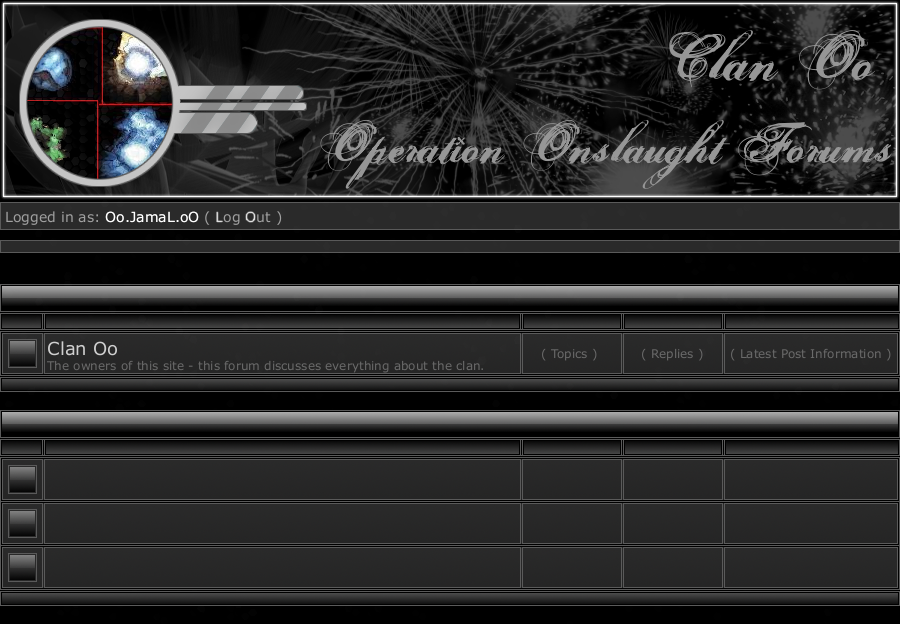
or..
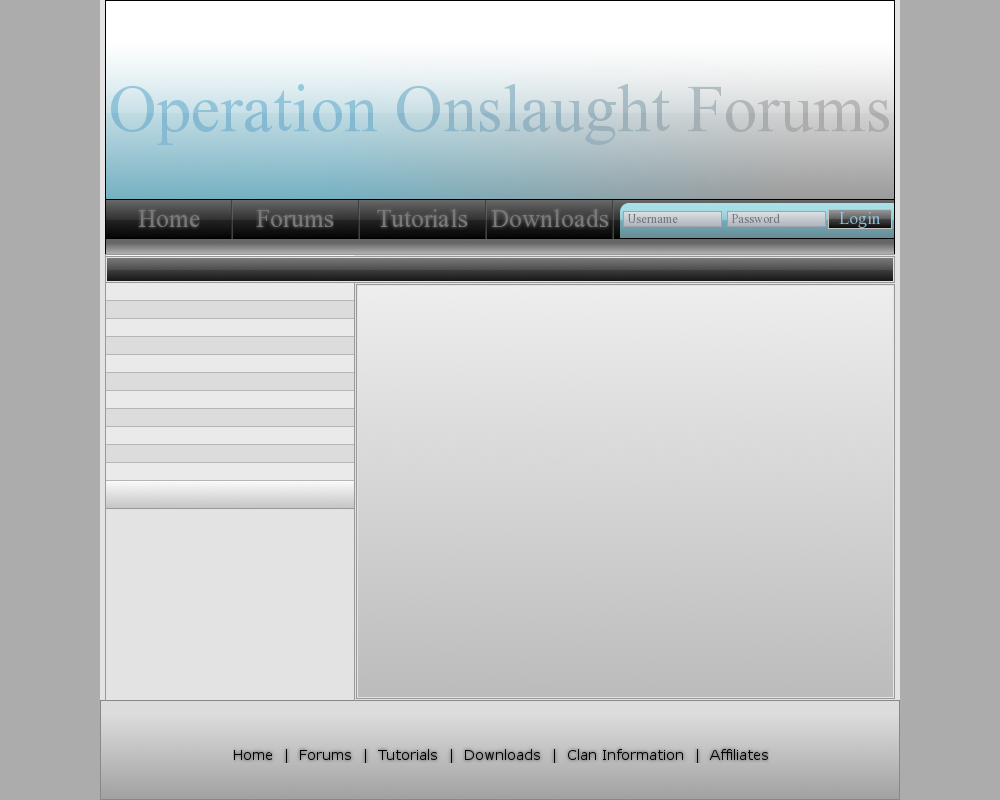
Now, what I've created this topic for, is I need help tying it all together. How do I take this image and make a website out of it? I know that I need to slice parts of the image apart to create individual images, but could somebody give me step-by-step information on how to make this an actual website, or provide me a link on how to do so?
Basically, I need to turn them into an image map, I think. It would be even better to be able to do it in CSS, though..
None.
You created the layouts in gimp? great job!
I don't really have any tutorials for slicing a layout with gimp, but you might want to try
this. It might help you.
None.
I'm not that good with designing the images, but I'm good at programming everything in HTML, JS, CSS, PHP, and MySQL.
Most of the time, you will need to use the "div" tag and "tables" in html. Then use classes from CSS. With mouseovers and onclicks, you can use javascript to change images.
<style type=text/css>
.banner{border: #000000 solid 2px;}
.navbar
{
border: #666666 solid 1px;
background-color: #444444;
color: #999999;
text-decoration: none;
font-family: sans arif, verdana;
}
</style>
<table width=100% height=200><td height=100%><div class=banner><img src="images/ClanOoBanner.gif"></img></div></table>
<div class=navbar><table width=100%>
<td align=center><a href="link" class="class">Item 1</a>
<td align=center><a href="link" class="class">Item 2</a>
<td align=center><a href="link" class="class">Item 3</a>
<td align=center><a href="link" class="class">Item 4</a>
</table></div>
And that is a Banner, and navbar. You probably can get the picture with that.
None.
I'm not that good with designing the images, but I'm good at programming everything in HTML, JS, CSS, PHP, and MySQL.
Most of the time, you will need to use the "div" tag and "tables" in html. Then use classes from CSS. With mouseovers and onclicks, you can use javascript to change images.
<style type=text/css>
.banner{border: #000000 solid 2px;}
.navbar
{
border: #666666 solid 1px;
background-color: #444444;
color: #999999;
text-decoration: none;
font-family: sans arif, verdana;
}
</style>
<table width=100% height=200><td height=100%><div class=banner><img src="images/ClanOoBanner.gif"></img></div></table>
<div class=navbar><table width=100%>
<td align=center><a href="link" class="class">Item 1</a>
<td align=center><a href="link" class="class">Item 2</a>
<td align=center><a href="link" class="class">Item 3</a>
<td align=center><a href="link" class="class">Item 4</a>
</table></div>
And that is a Banner, and navbar. You probably can get the picture with that.
Damn you I was gonna say that

he is right jamal so that right there.
None.
Well, I tried what you had, it worked okay, but I'm looking for something easier. I downloaded a web design program, and I sliced the images and placed them in, and it works fine.
However, I now need to know an
essential part of creating a website. Call me a nub, but how do you create a new page on your website?
For example, say your site is
http://clanoo.com. I want it so that when somebody clicks the forum button, it goes to
http://forums.clanoo.com. I know how I might create the forums, but how do I create that website as a subdomain, I guess? I need to know how to create a new page..
None.
Do you have the website clanoo in the first place? You need to purchase a domain unless you want one that is under some other domain.
None.
No. I'm just wondering how one would go about creating a new page. I plan to purchase a domain in the future.
None.
Well if you are doing .com and stuff, you need to buy your domain. And pay, usually monthly. If you are hosting it on your computer, you could use PHP, and have ?p=page in your url. I haven't played with a real domain server before.
staredit.net/?p=clans = clans page.
PHP processes it by:
<?php
$page = $_GET[p];
if ($page == "clans") {
$display = "<b>Clans</b><br/>Clan Orig!";
} else if ($page == "index") {
$display = "<b>Index</b><br/>Index!";
}
?>
<html>
<body>
<?php echo $display; ?>
</body>
</html>
You would need to learn how to do PHP, unless you just want simple informational pages, that aren't updated often. Then you could just do it all in html. You put a folder, where your index.html is, then when you have a link <a href="folder/page2.html">Page 2</a>, it will load an url as "
http://www.domain.com/folder/page2.html"I suggest that you learn HTML, JS, and CSS atleast if you are taking up web design. Not JS as much, but HTML and CSS for sure. If you want to be more complex, learn PHP so people other than you can update your site, from a different computer. PHP tells MySQL to store information in databases, and can also retrieve them.
Post has been edited 1 time(s), last time on Oct 1 2007, 11:35 pm by Test.
None.

Relatively ancient and inactive


Blacklight made me cry.
If you want a website that's as functional as SEN, you need a hefty bit of PHP and MySQL skill. IP isn't a slouch, neither are his 'helpers'. However, you can seperate forums from everything else and integrate a login-system from a forum with everything else much easier, though you'll probably still need some PHP and MySQL skill. HTML and CSS are mandatory, JS preferred for more interactive websites.
Subdomains, you buy supportive webhosting and I'm pretty sure it's right there in the CPanel, the forums. If subdomains aren't included in hosting plan, it's not there. I recommend not paying extra for them, just make the forums a seperate folder. CPanel is the server GUI that allows you to customize your website from a non-coding perspective.
None.






 and how did that guy get -963 minerals?